Add channels to feeds from the video page
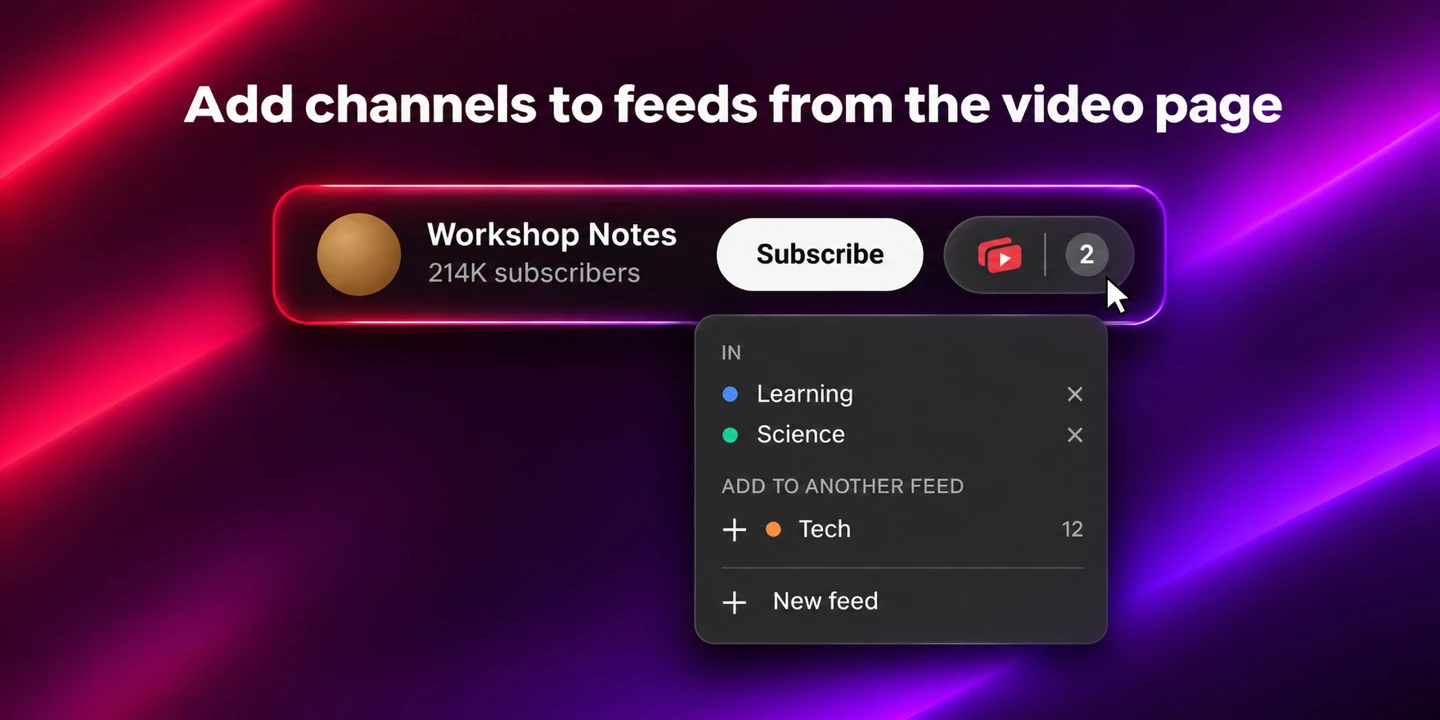
A compact Retube button now sits beside Subscribe on the video page. It shows a +, or how many of your feeds the channel is in, and opens the same menu as on a channel page: add the channel to a feed, take it out, or start a New feed with it. Videos made by several channels together don’t show it. The help guide covers adding a channel from its video.
Also in this release
- In Manage channels, a channel’s name and picture open its YouTube page in a new tab.
- On channel pages, the button that adds the channel to another feed is a +, and the × sits centered in its hover circle.