Spoiler-free mode and levers in the player
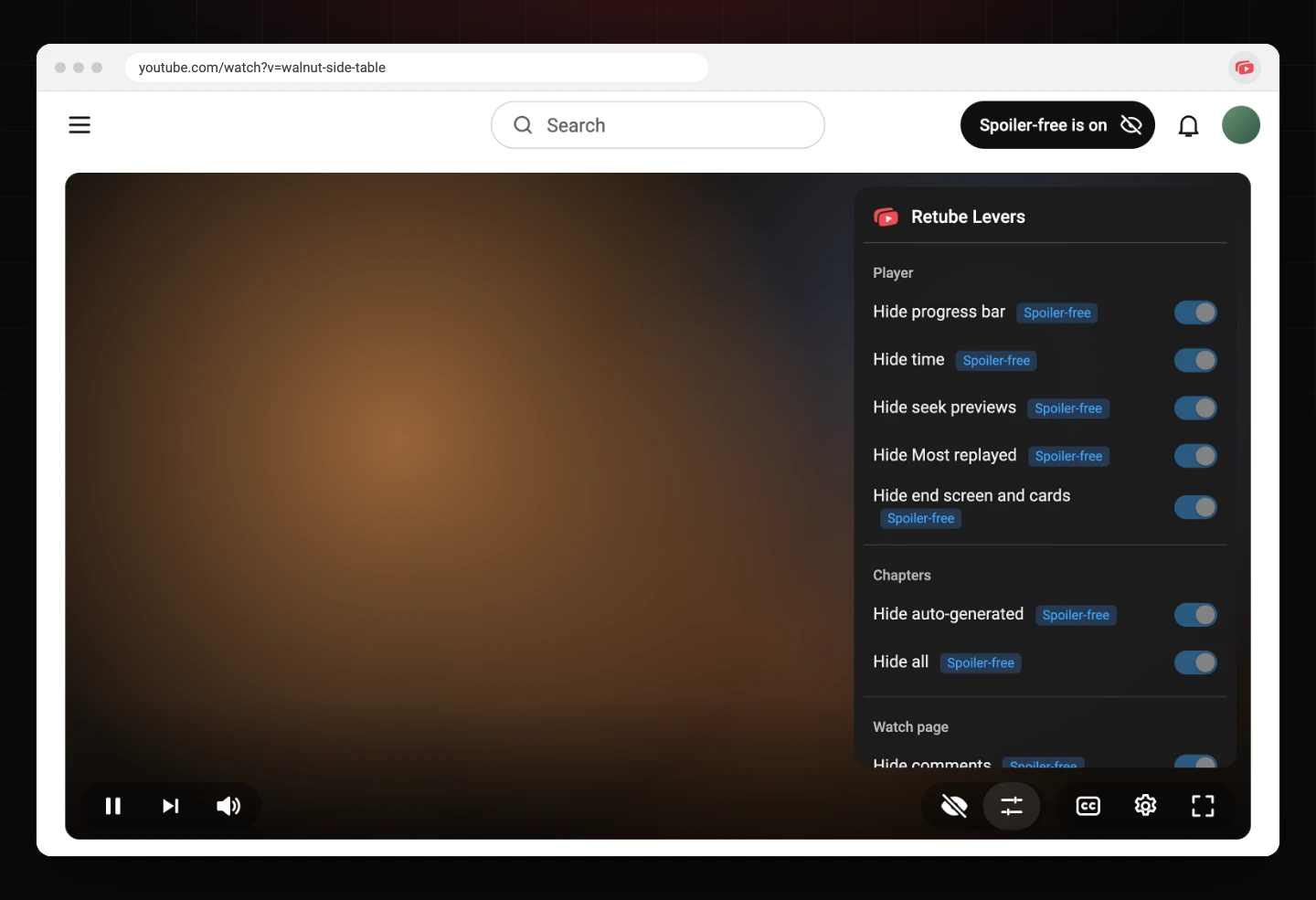
While Spoiler-free is on, every YouTube page now says so, and the player has two buttons of its own: one switches the mode, the other lists every lever. You can change what YouTube hides without leaving the video.
Spoiler-free on every page
Spoiler-free is on appears beside the buttons at the top of each YouTube page when it opens, then settles into a crossed-out eye. Point at the eye to read it again, or select it to open the side panel on Levers. When you turn the mode off, Spoiler-free is off shows for a moment before the eye leaves.
Levers beside the player
On a video, two buttons sit beside the player’s own controls, styled like them:
- Spoiler-free turns the mode on or off. Its eye is solid and crossed out while the mode is on.
- Retube Levers lists every lever by section, each with a switch. Levers the mode decides show as on and locked, with a Spoiler-free tag.
- All Retube levers at the bottom of the list opens the side panel on Levers.
Opening the side panel from a YouTube page always shows Levers. In Firefox, it opens in a new tab.
Hidden durations
With Hide durations on thumbnails on, video cards show a crossed-out eye where the length was, so you can tell Retube hid it. LIVE badges stay.
Hide auto-generated shows the Spoiler-free tag while the mode is on, like every other lever the mode decides. The side panel and the help guide call watch options levers, and the guide covers spoiler-free mode and each lever.