A simpler feed header
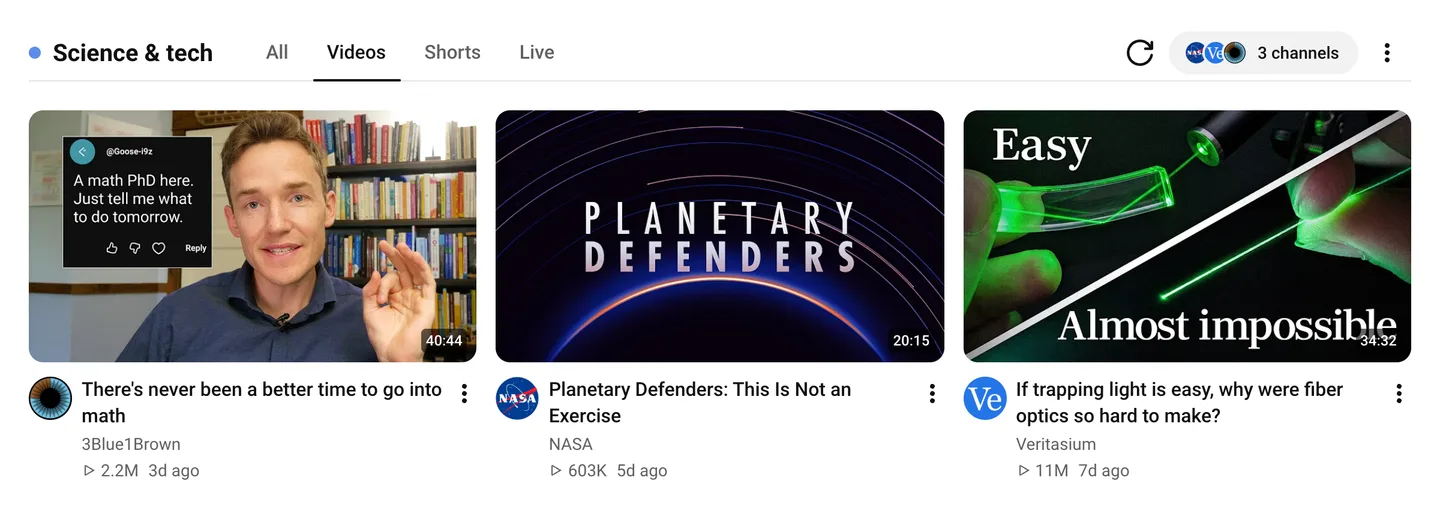
Every feed now has a simpler header. The feed’s name, video types, refresh, and channels share one row above your videos, and everything else lives in the feed menu.
Video types beside the feed’s name
All, Videos, Shorts, and Live used to sit behind Filters and search in the feed menu. They are now tabs beside the feed’s name, one click away. The header shows the open feed’s name and color instead of Latest.
A tab with nothing to show says so and offers Show all videos.
Channels at a glance
The channels button shows the first three channels’ avatars and how many channels the feed holds. Select it to add or remove channels. In a feed with no channels yet, it reads Add channels. The refresh button beside it checks for new videos.
Everything else in the menu
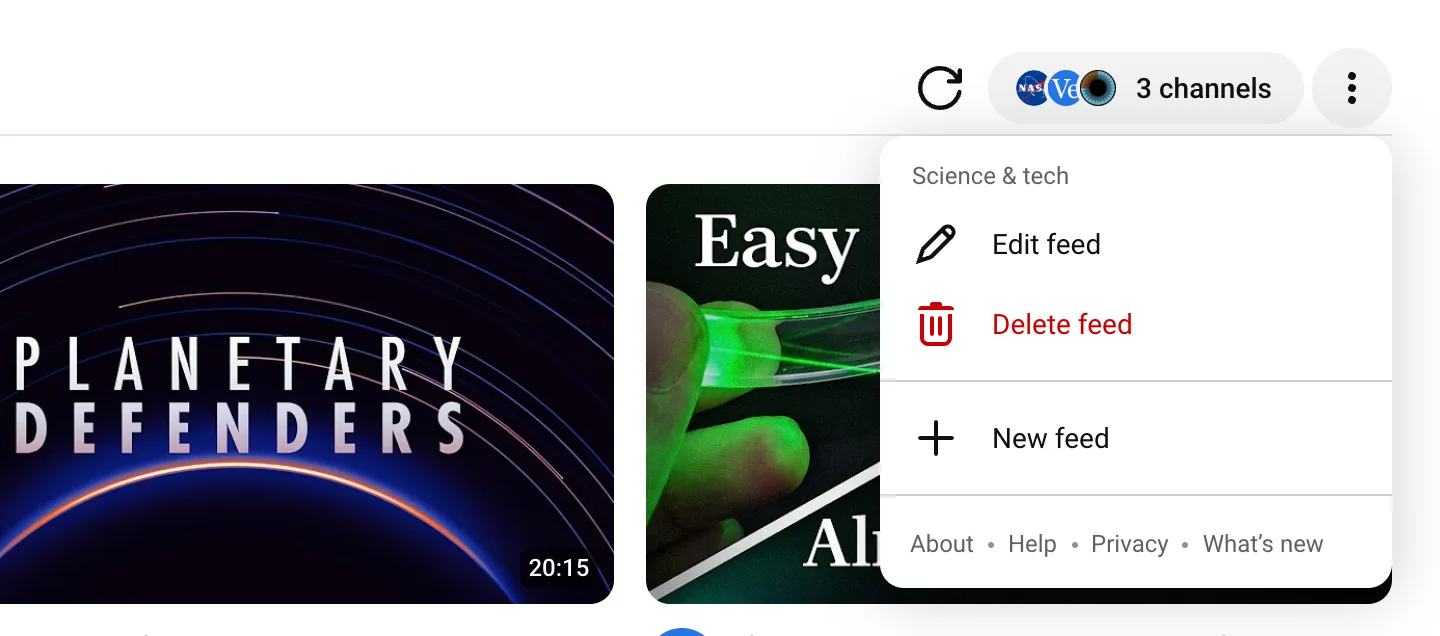
The three-dot menu edits, deletes, or creates a feed, and links to About, Help, Privacy, and What’s new. A dot on What’s new marks a release you haven’t seen yet. Switch feeds from the Retube section in YouTube’s sidebar.
Retired: sorting, filters, search, and list view
Sorting, the duration and channel filters, and search worked only on the videos already loaded, so they missed most of a feed. They are gone, and feeds stay newest first. List view is gone too; feeds use YouTube’s grid.
Fixed
Videos that YouTube dates in short form, such as “2d ago” or “3mo ago”, sort by date instead of falling to the end of the feed.
The help guide covers tabs and older videos.