Spoiler-free mode and watch options
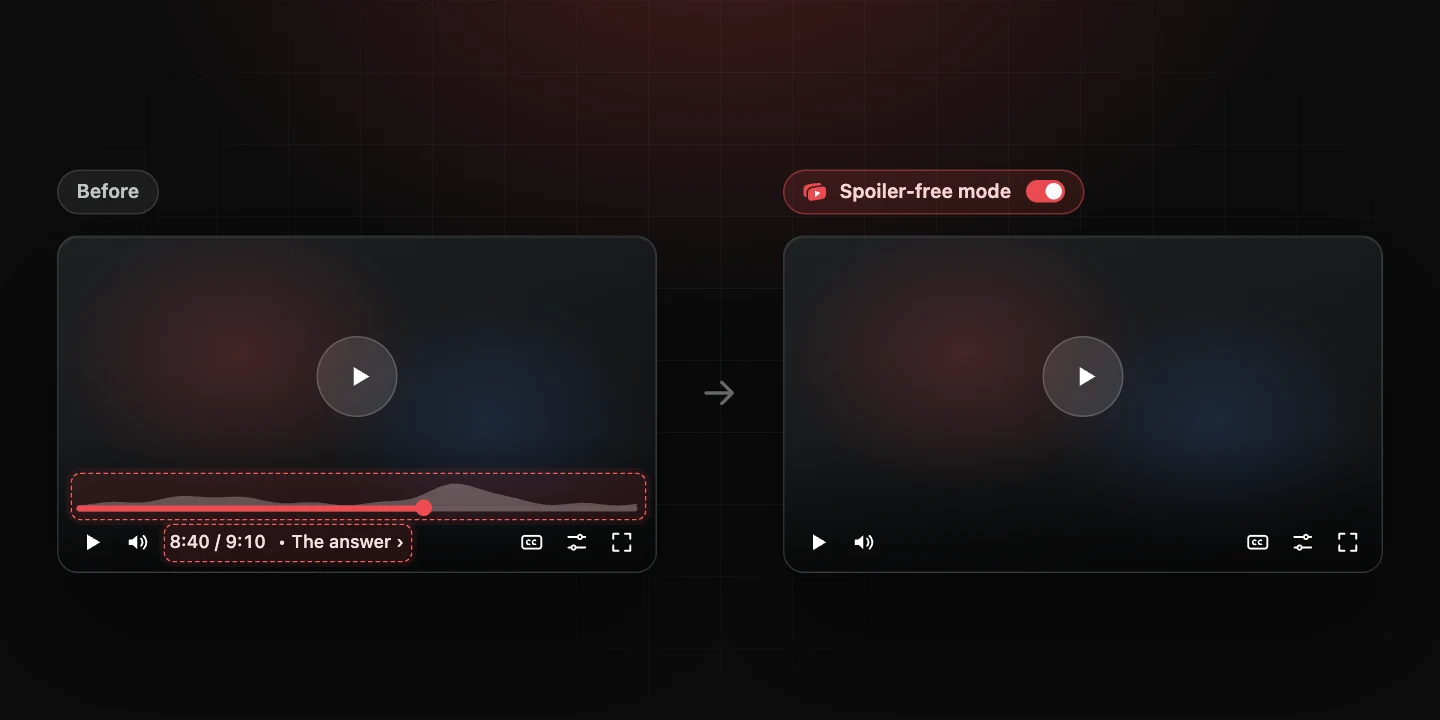
Retube can now hide what gives away how a video ends. Spoiler-free mode turns everything on at once from the toolbar popup, and each option also works on its own.
Spoiler-free mode
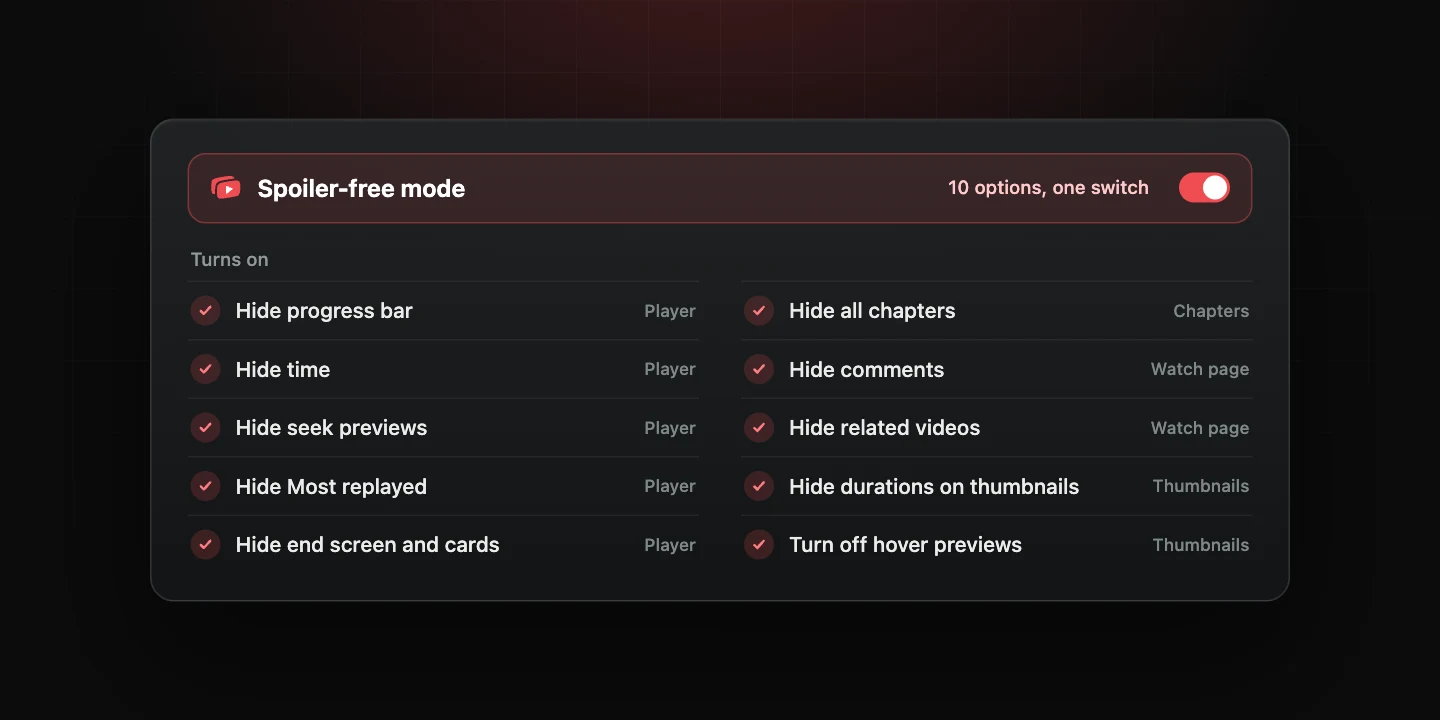
Spoiler-free mode hides the progress bar, the time, seek previews, Most replayed, chapters, the end screen and cards, comments, related videos, durations on thumbnails, and hover previews. Turn it off and each option returns to how you set it. It suits puzzle and reveal videos, and long lectures where a running clock pulls attention to how much is left.
Options apply to every video, and changes reach open YouTube tabs without a reload.
Player options
- Hide progress bar removes the bar but keeps its space, so the controls stay in place. Keyboard seeking still works.
- Hide time hides the current time and duration, the time on the bar’s hover label and frame previews, and the current video’s duration in a playlist. Live streams keep their Live button.
- Hide seek previews removes the frames that appear when you hover or drag the bar. Dragging still seeks.
- Hide Most replayed removes the heat map above the bar and its label.
- Hide end screen and cards removes end-screen tiles, info cards, the up-next countdown, and the suggestion grid at the end. Autoplay still moves on to the next video.
Chapters
Hide auto-generated hides chapters that YouTube generated for a video and keeps the ones its creator wrote. Hide all hides every chapter: the title beside the time, chapter names on the bar, the description carousel, and the chapters panel. The bar becomes one unbroken line, and timestamp links in the description still work.
Comments and related videos
Hide comments puts a Show comments button where the comments were. It loads them for the current video only, and live chat stays. Hide related videos removes the list beside or below the video, while playlists and live chat stay.
Thumbnails
Hide durations on thumbnails removes video lengths from cards across YouTube and in your Retube feeds. LIVE badges stay. Turn off hover previews stops thumbnails from playing or animating when you hover them, and Watch later and Add to queue still appear.
Watch options are not part of backups. The help guide covers spoiler-free mode and each option, including what Retube can’t hide.